How to Make Your First Deposit on Rouge Dynasty Using GCash
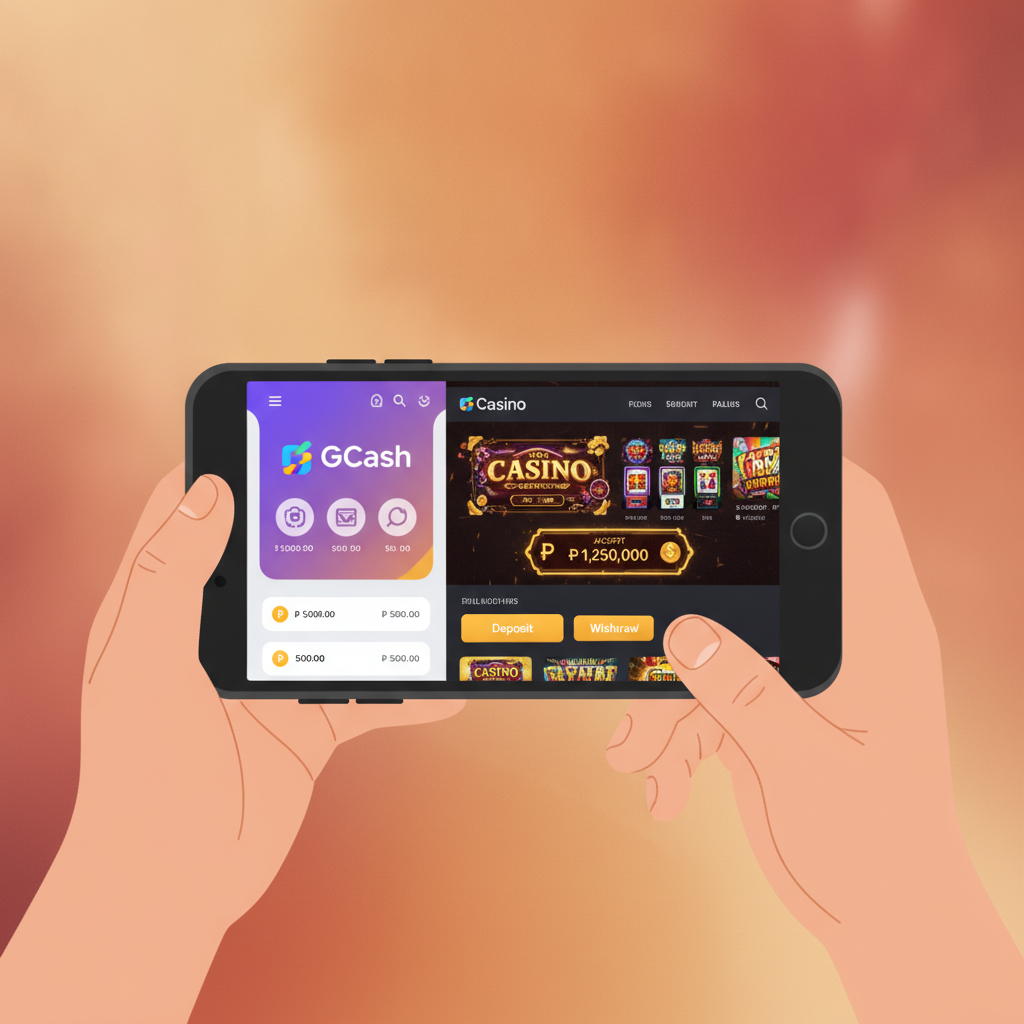
Minimum Deposit Amount and Typical PHP 100-500 Range
Rouge Dynasty sets its minimum deposit at PHP 100. This entry point makes the platform accessible to Filipino players who want to start small while exploring slots, live dealer tables, or sports betting on PBA and NBA games.
Most players deposit between PHP 100 and PHP 500 per transaction. This range suits mobile-first users who prefer to top up their accounts regularly rather than loading large amounts at once. You can deposit more if you wish, but PHP 100 is the lowest threshold the platform accepts.
When using GCash for your Rouge Dynasty deposit, the same PHP 100 minimum applies. GCash is a popular choice among Filipino players because it processes instantly, works on any smartphone with the GCash app, and doesn't require a traditional bank account.
Before you deposit, make sure your GCash wallet has sufficient balance. If your wallet balance is below PHP 100, you'll need to cash in at a 7-Eleven, through your bank, or via other GCash partner channels before proceeding.
Step-by-Step GCash Deposit Walkthrough for Beginners
1. Log In to Your Rouge Dynasty Account
Open Rouge Dynasty on your mobile browser or app. Tap the login button and enter the username and password you created during registration. If you haven't registered yet, you'll need to complete the Rouge Dynasty register process first—this guide assumes you already have an active account.
2. Navigate to the Deposit or Cashier Section
Once logged in, look for a button labeled Deposit, Cashier, or Wallet. This is usually located at the top-right corner of the screen or in the main menu. Tap it to open the deposit options page.
3. Select GCash as Your Payment Method
Rouge Dynasty offers several deposit methods, including GCash, Maya, InstaPay, and PESONet bank transfer. For this walkthrough, tap GCash from the list of available payment options.
4. Enter Your Deposit Amount
A field will appear asking how much you want to deposit. Type in your amount—remember, the minimum is PHP 100. If you're depositing for the first time, PHP 100 or PHP 200 is a safe starting point to test how the platform works before committing larger sums.
Double-check the amount before proceeding. Once confirmed, tap Next or Continue.
5. Review the Transaction Details
Rouge Dynasty will display a summary screen showing:
- The deposit amount
- The payment method (GCash)
- Any applicable fees (most GCash deposits are fee-free, but confirm on the screen)
- The total amount to be deducted from your GCash wallet
Review these details carefully. If everything looks correct, tap Confirm or Proceed.
6. Complete the GCash Authentication
You'll be redirected to the GCash payment gateway. Depending on your device and GCash app settings, you may see one of two flows:
- In-app redirect: The GCash app opens automatically. You'll see the payment request with Rouge Dynasty's merchant name and the amount. Enter your GCash MPIN (the four- or six-digit code you set up when you registered for GCash) to authorize the transaction.
- Web-based flow: If the GCash app doesn't open, you'll enter your registered GCash mobile number and receive an OTP (one-time PIN) via SMS. Enter the OTP on the payment page to confirm.
Once authenticated, GCash processes the payment immediately and sends you back to Rouge Dynasty.
7. Wait for Confirmation
After the GCash transaction completes, Rouge Dynasty will display a confirmation message—usually a pop-up or banner saying "Deposit successful" or similar wording. You should also receive an SMS from GCash confirming the deduction from your wallet.
At this point, you can close the deposit page and return to the main Rouge Dynasty lobby.
How Long Deposits Take to Appear in Your Rouge Dynasty Account
GCash deposits on Rouge Dynasty are instant in most cases. As soon as GCash confirms your payment, the platform credits your account balance. You should see the funds reflected within seconds to one minute.
Occasionally, technical issues or high traffic can delay the credit by a few minutes. If your balance doesn't update within five minutes, try the following:
- Refresh the page or app: Pull down on the screen or tap the refresh icon.
- Log out and log back in: Sometimes a fresh Rouge Dynasty login session forces the balance to sync.
- Check your deposit history: Scroll down to the "Checking your deposit history and balance" section below to verify whether the transaction was recorded.
If the delay extends beyond 10 minutes and your GCash wallet shows the deduction, contact Rouge Dynasty customer support. Have your GCash transaction reference number ready—you'll find this in your GCash app under Transaction History.
Do not attempt to deposit again until you've confirmed the first transaction's status. Duplicate deposits can complicate account reconciliation.
Checking Your Deposit History and Balance
After making your first deposit, it's good practice to confirm that Rouge Dynasty recorded the transaction correctly. Here's how to check:
View Your Current Balance
Your account balance is displayed prominently on the Rouge Dynasty homepage, usually in the top-right corner beside your username. It updates in real time as you deposit, place bets, or win.
On mobile, you may need to tap a wallet icon or your profile picture to expand the balance display.
Access Your Deposit History
To see a detailed record of all deposits:
- Go to the Cashier or Wallet section (the same place you initiated the deposit).
- Look for a tab or link labeled Transaction History, Deposit History, or My Transactions.
- Tap to open the list.
Your deposit history will show:
- Date and time of each deposit
- Amount deposited in PHP
- Payment method used (GCash, Maya, etc.)
- Status: Completed, pending, or failed
- Transaction ID or reference number
If your most recent GCash deposit appears with a "Completed" status, you're all set. If it shows as "Pending" for more than a few minutes, or if it's missing entirely, reach out to support.
Why Checking Matters
Keeping an eye on your deposit history helps you:
- Track your spending: Know exactly how much you've loaded into Rouge Dynasty over time.
- Spot errors early: If a deposit amount is incorrect, you can report it immediately.
- Stay within your budget: Reviewing your history regularly is part of responsible gambling—it reminds you how much real money you've put into the platform.
21+ Only and Responsible Gambling Reminder
Rouge Dynasty is for players aged 21 and over only. Online gambling is a form of entertainment, but it carries financial risk. Always deposit amounts you can afford to lose, and never chase losses by topping up impulsively.
Set a personal deposit limit before you start playing. If you typically budget PHP 500 per week for entertainment, stick to that ceiling even if you're tempted to deposit more after a losing streak.
If you feel that gambling is affecting your finances, relationships, or well-being, seek help. Organizations such as Natasha Goulbourn Foundation and the Philippine Mental Health Association offer confidential support services.
Remember: Rouge Dynasty and other online casinos are designed for recreation, not as a way to make money. Keep deposits small, play within your means, and take breaks when needed.
Ready to fund your account? Follow the steps in this guide to complete your first GCash deposit on Rouge Dynasty. Once your balance updates, you can explore slots, try a hand at live dealer blackjack, or place a bet on the next PBA game—all starting from as little as PHP 100.